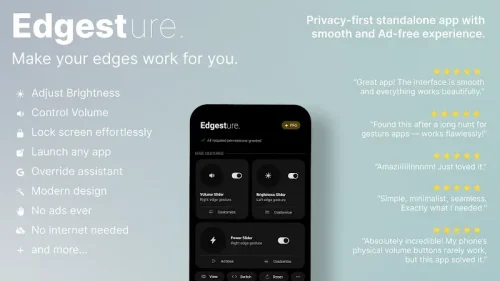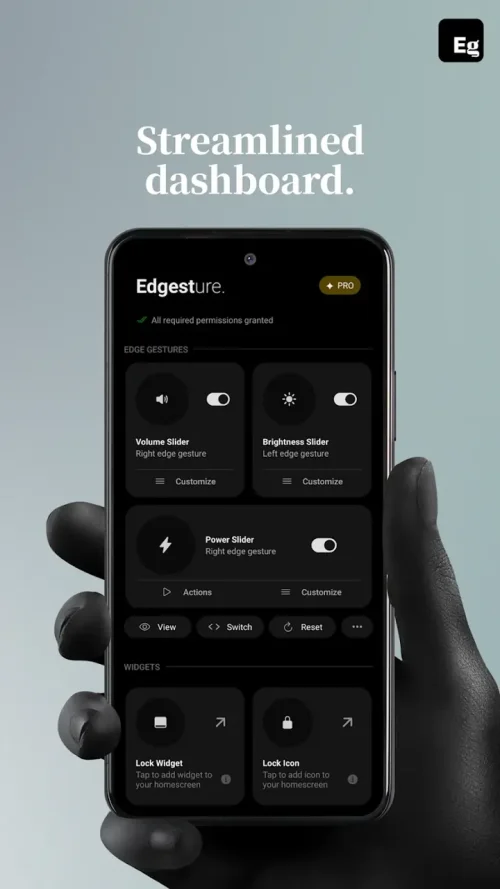

Edgest Edge Gestures & Control is a personalization app that helps users navigate their Android devices more efficiently. It achieves this by utilizing the screen edges as command centers for various actions. The app is designed for those who struggle with large smartphone screens and want a more streamlined interaction experience.
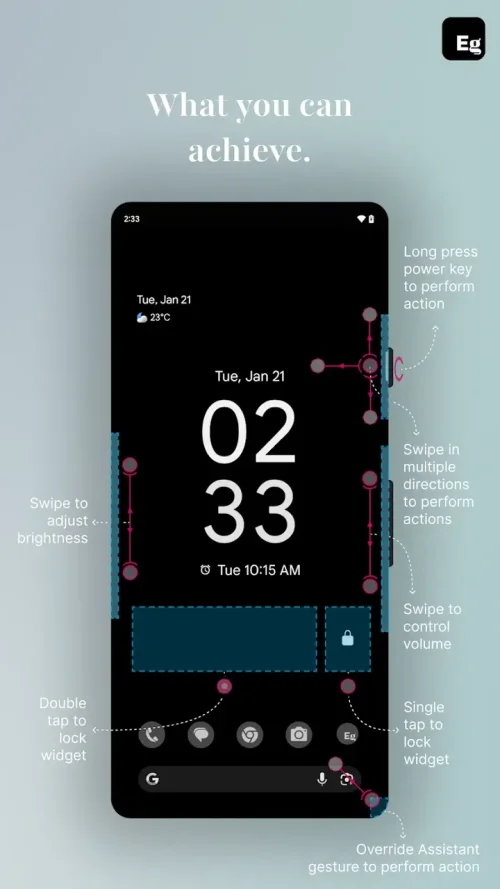
The app allows users to set up trigger zones on their screen edges, which can be customized to perform different actions based on specific gestures. This feature enables users to access various system functions and apps quickly and easily.
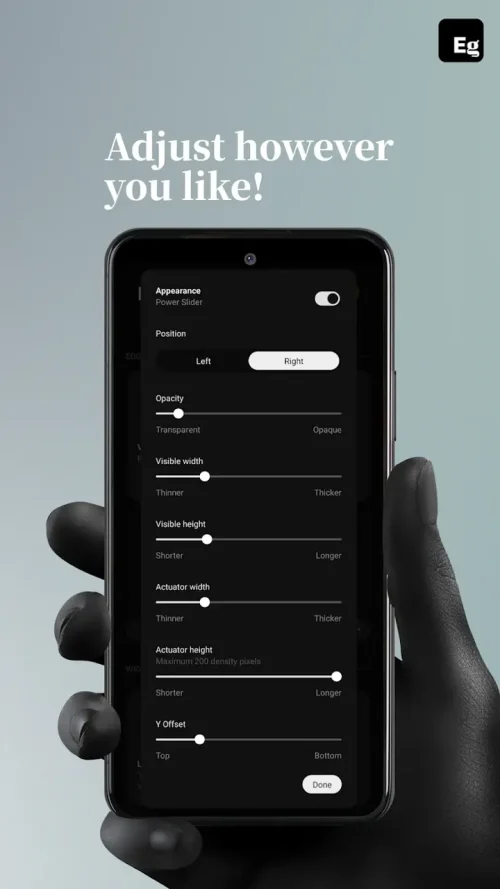
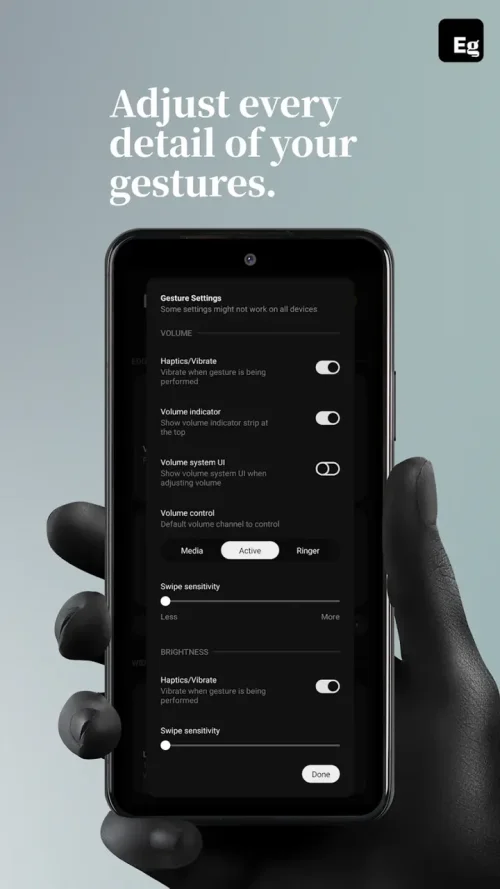
Users can assign multiple actions to each trigger zone, including single tap, double tap, long press, and swipe directions. The app also features advanced sensitivity settings to prevent accidental triggers and ensure a seamless user experience. Additionally, it includes a system action override feature to work in harmony with the existing operating system.
Edgest Edge Gestures & Control is suitable for both power users seeking maximum efficiency and individuals looking for a more comfortable way to handle their large smartphones. The app provides a convenient and intuitive way to interact with Android devices, making it an ideal solution for those wanting to enhance their mobile experience.